 Landix UI
How to Build a Next.js Landing Page: A Practical Checklist
Plan, build, and test a Next.js landing page with a clear offer, accessible sections, working actions, and sensible performance checks.
Published by Landix UI ?
Start with the decision the page must support
Choose one primary action before choosing a layout: book a demo, start a trial, or join a waitlist. Write down who the page is for, the problem they recognize, and what happens after they click. If the offer needs explanation before a visitor can decide, place that explanation near the action.
Write the hero before adding decoration
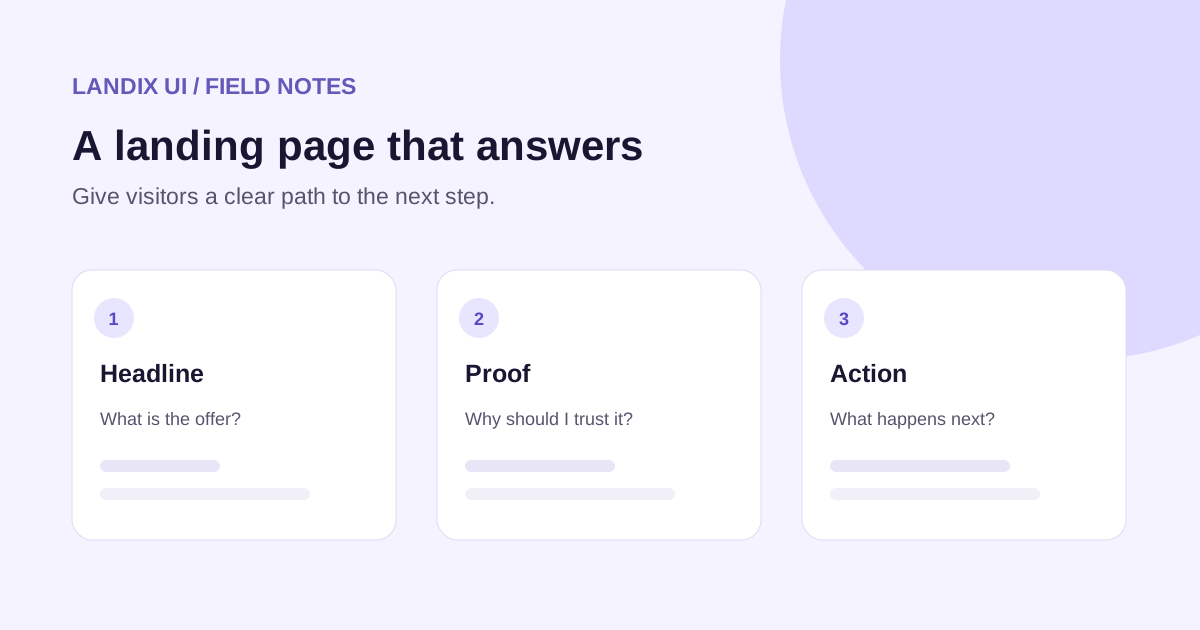
A useful hero answers three questions: what is this, who is it for, and what can I do next? For example, ?Track invoices for your freelance business? is more specific than ?Transform your workflow.? Follow it with one sentence about the result and a button such as ?See how it works.? Make the button destination match its label.
Arrange sections around unanswered questions
After the hero, explain the product with a concrete example or screenshot. Follow with benefits supported by details, then evidence you have permission to publish. Add pricing when the offer is ready and answer objections near the decision. A short page is fine when it answers the questions; extra sections do not substitute for missing information.
Build the page in Next.js
Create the route in the App Router and keep static copy in server-rendered components where practical. Use a client component only where interaction requires it. Landix UI supplies editable section source through the shadcn registry; the application still owns its forms, analytics, hosting, and integrations. Start with the free Hero 01, then replace its demonstration content and verify its links.
Check accessibility and performance
Use one descriptive H1, meaningful link text, labeled form fields, and visible keyboard focus. Give informative images useful alt text; use empty alt text for decoration. Set image dimensions to reduce layout shifts, and avoid lazy-loading the main image if it is the likely Largest Contentful Paint element. Test on a narrow screen and with a keyboard.
Before publishing
Run a production build and test the actual form, success and error states, mobile layout, and every call to action. Add a unique title, description, and canonical URL. Measure real-user performance when traffic is available; a component or a single lab score cannot promise a ranking or conversion rate.